


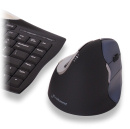
No number pad lets mouse get closer
The numeric keys on the right side of a full size keyboard makes the mouse sit too far away and your right arm too extended. Eliminating the right side numeric keys not only saves space, your mouse can get closer so your arm is more relaxed.
Tactile bumps facilitate touch typing
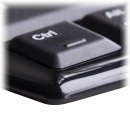
Tiny bumps on selected keys facilitate touch typing without looking and reduces frequent corrections. Other keyboards have bumps only on the F and J keys.
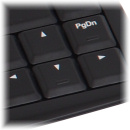
Full size arrow and F1-F12 keys
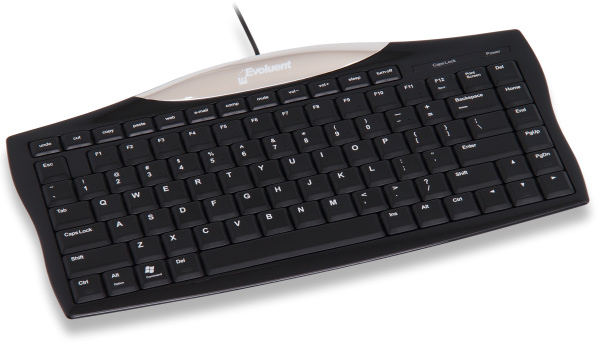
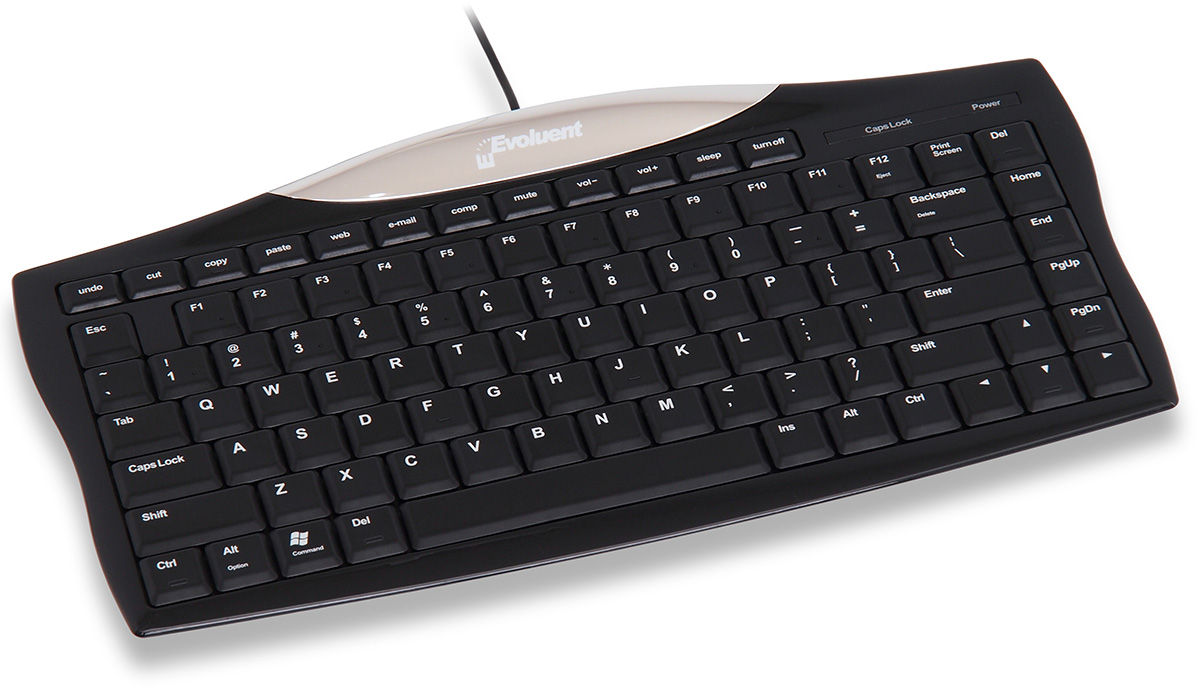
The arrow, F1-F12, PgUp and PgDn keys are full sized, unlike most other compact keyboards which have those keys in smaller than standard sizes.
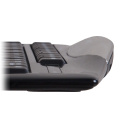
Extremely low profile aids comfort
The back edge is not tilted up so the entire keyboard is fully flat to eliminate the need to strain your hands upward. The key tops are only 1 cm or 0.4″ off the top of the desk to further reduce wrist strain.
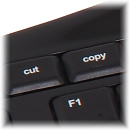
Twelve one-touch hotkeys
Hotkeys provide one touch operation for Undo, Cut, Copy, Paste, Web, E-mail, Computer, Mute, Volume Down, Volume Up, Sleep, and Turn Off.
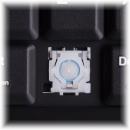
High quality scissor keys
Precision scissor keys provide crisp action and good feedback, unlike some compact keyboards which use wobbly membrane keys that feel mushy.
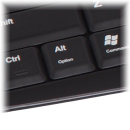
No Fn key necessary
All functions are each accessible with one key, unlike other compact keyboards which require also pressing a Fn key simultaneously.
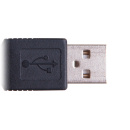
Wired plug and play without a driver
All the hotkeys work without a driver in Windows XP or newer. The hotkeys do not work with Mac OS but all other keys work and Mac functions are printed on some keys.
Compatibility
Windows XP, 7, 8, 10 and 11 (32 bit and 64 bit)
Mac
Linux
Unix
Customizable
These third party utilities may be used to customize the keyboard layout to your liking.
Microsoft Keyboard Layout Creator